Skip to content
SnapInstaDL

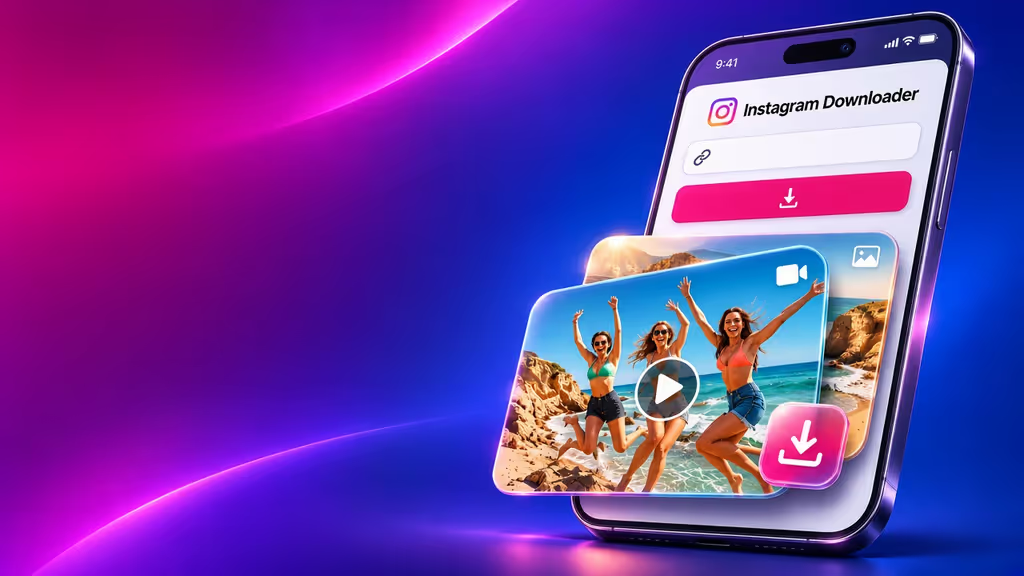
Instagram Video Downloader

Save public Instagram videos, Reels, photos, Stories, and carousel posts from one simple online downloader.

Paste one public Instagram link. Nothing is fetched until you press Download.

Public posts only. Save media you have the right to keep. SnapInstaDL is not affiliated with Instagram or Meta.
Video & Photo Downloader For Instagram
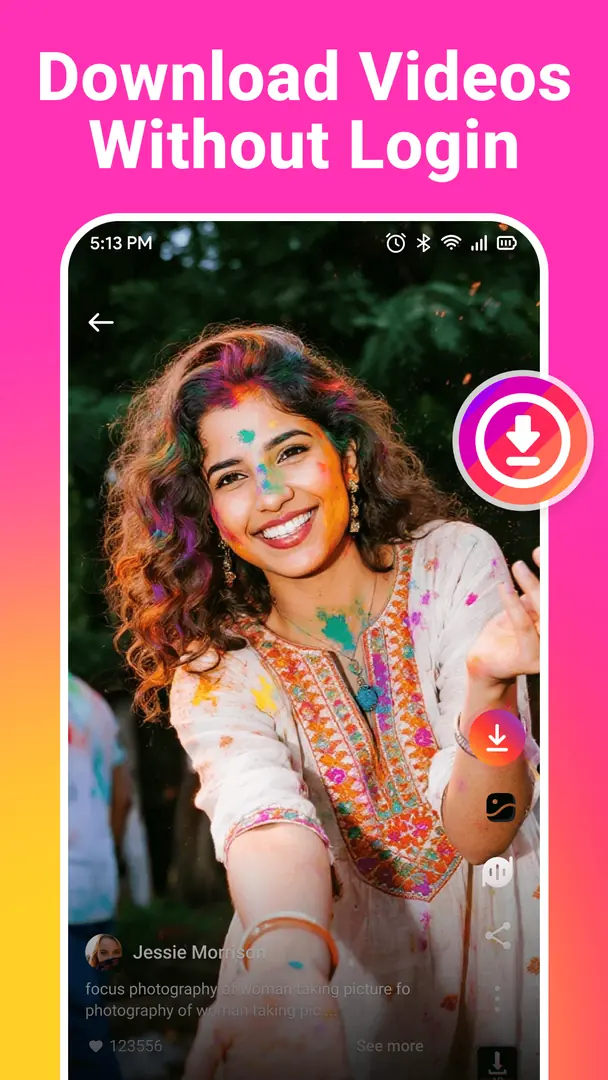
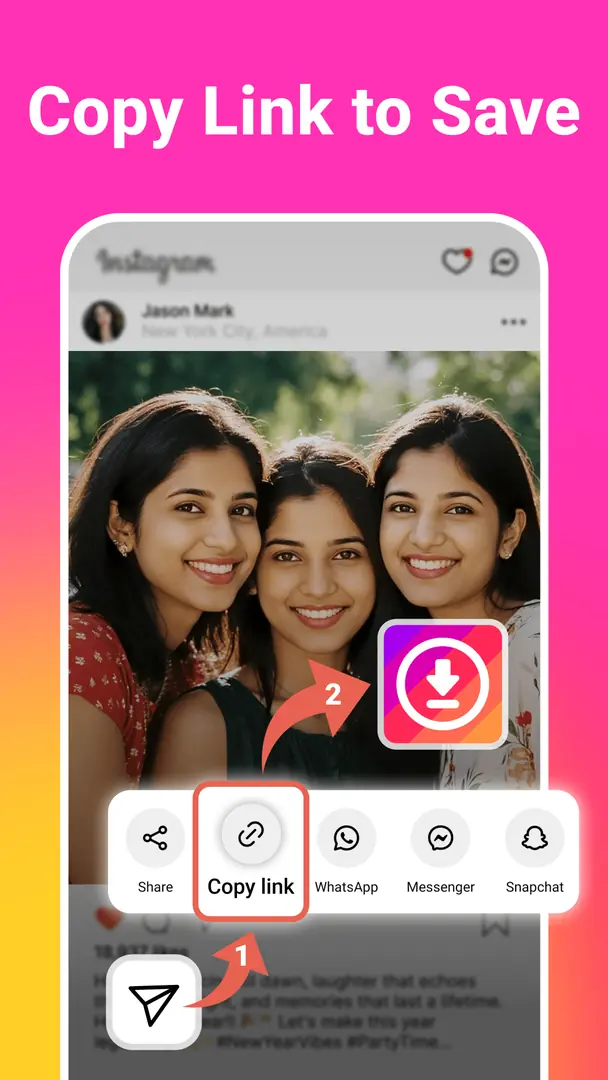
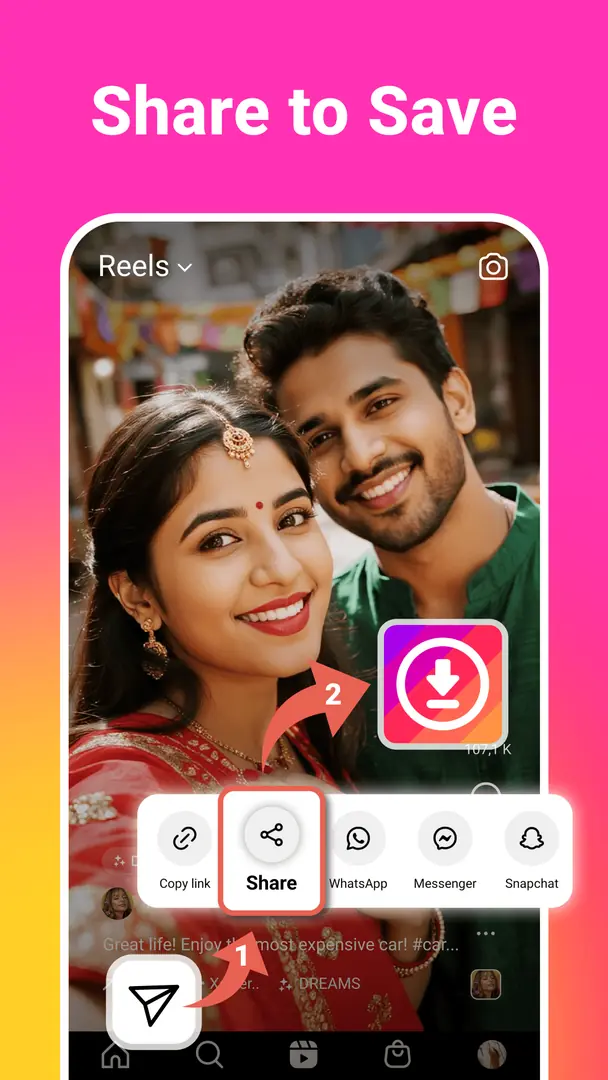
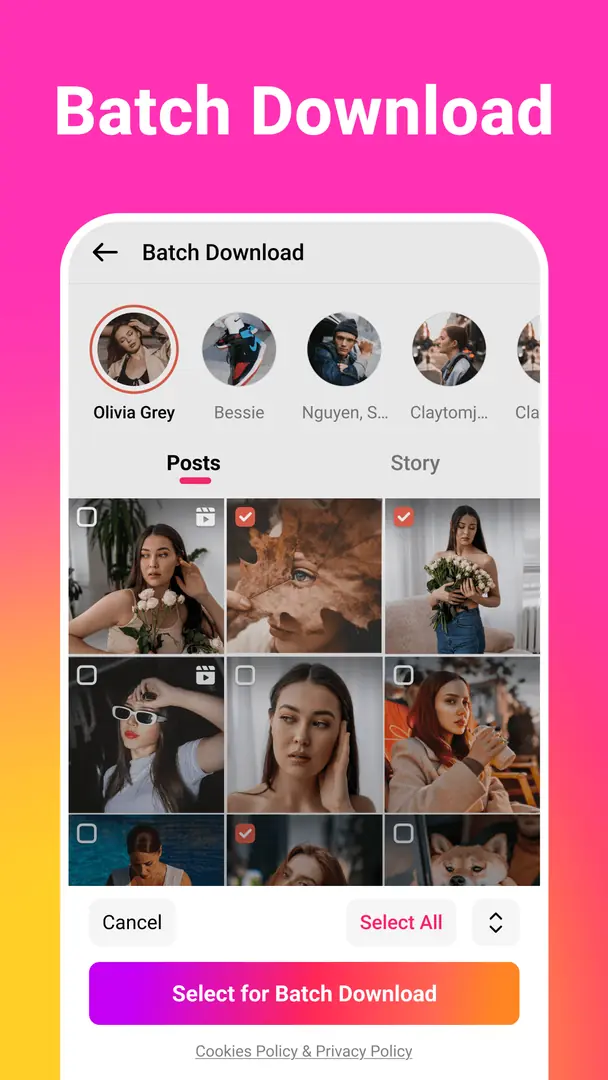
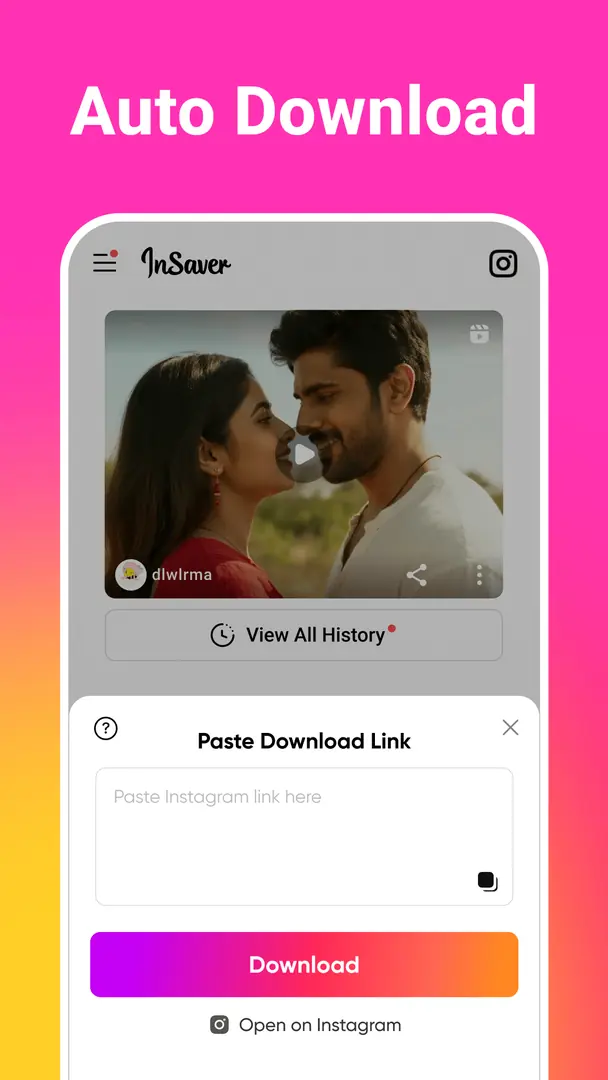
Download videos without loginCopy the link to saveShare to saveBatch downloadAuto downloadRepost on social media

Download Videos, Reels, Photos and More

  • A woman on a sofa watches a horizontal video on her phone

    Videos

    Public feed videos, saved as the MP4 from the post link.

    Learn more →
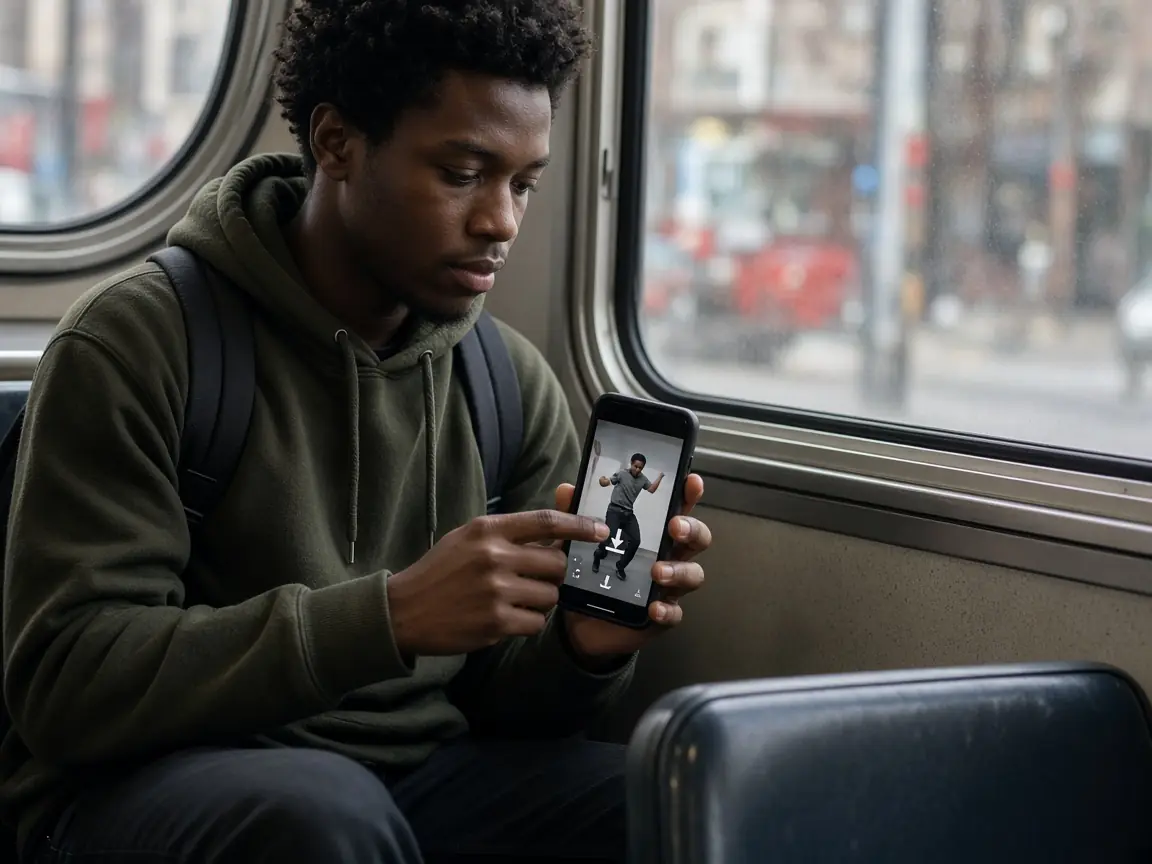
  • A young man on a city bus taps the download arrow on a short vertical dance video on his phone

    Reels

    Short vertical videos, with the soundtrack kept inside the file.

    Learn more →
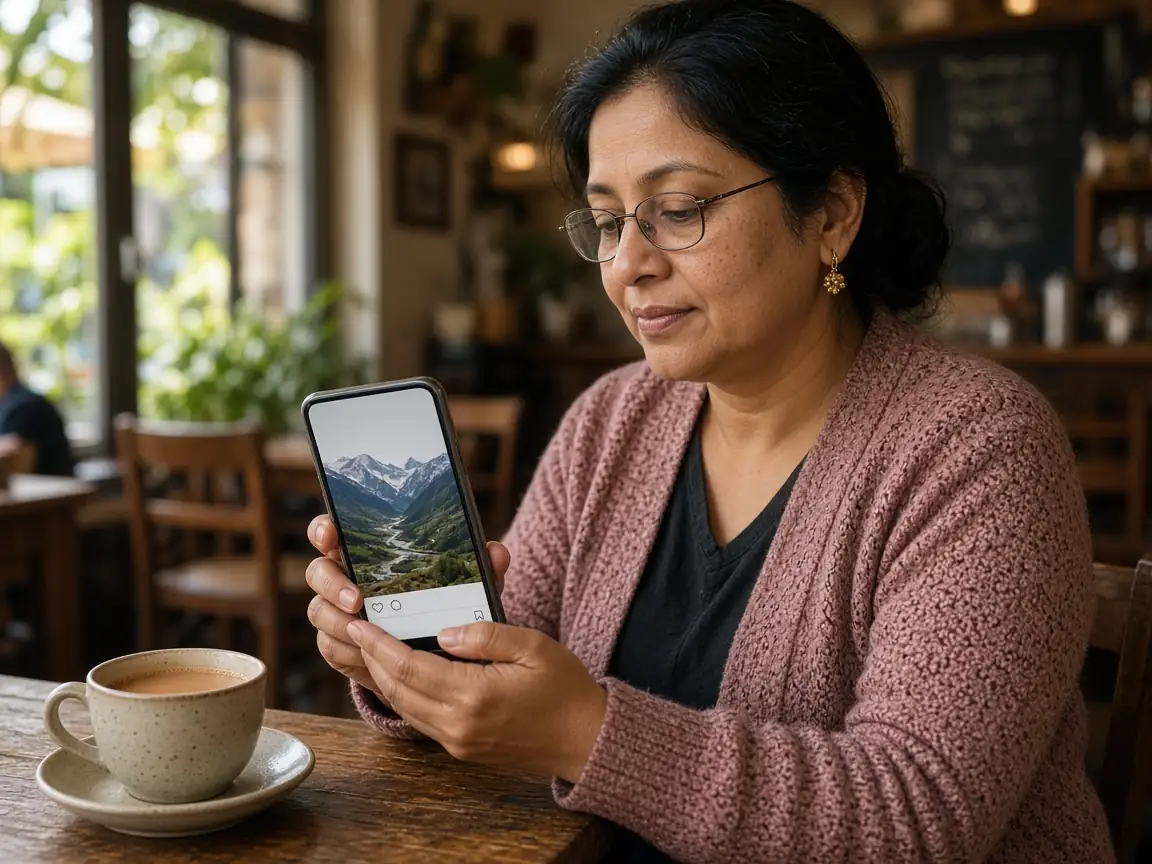
  • A woman in a café looks at a mountain photo post on her phone beside a cup of chai

    Photos

    The image file from a public post, not a screenshot.

    Learn more →
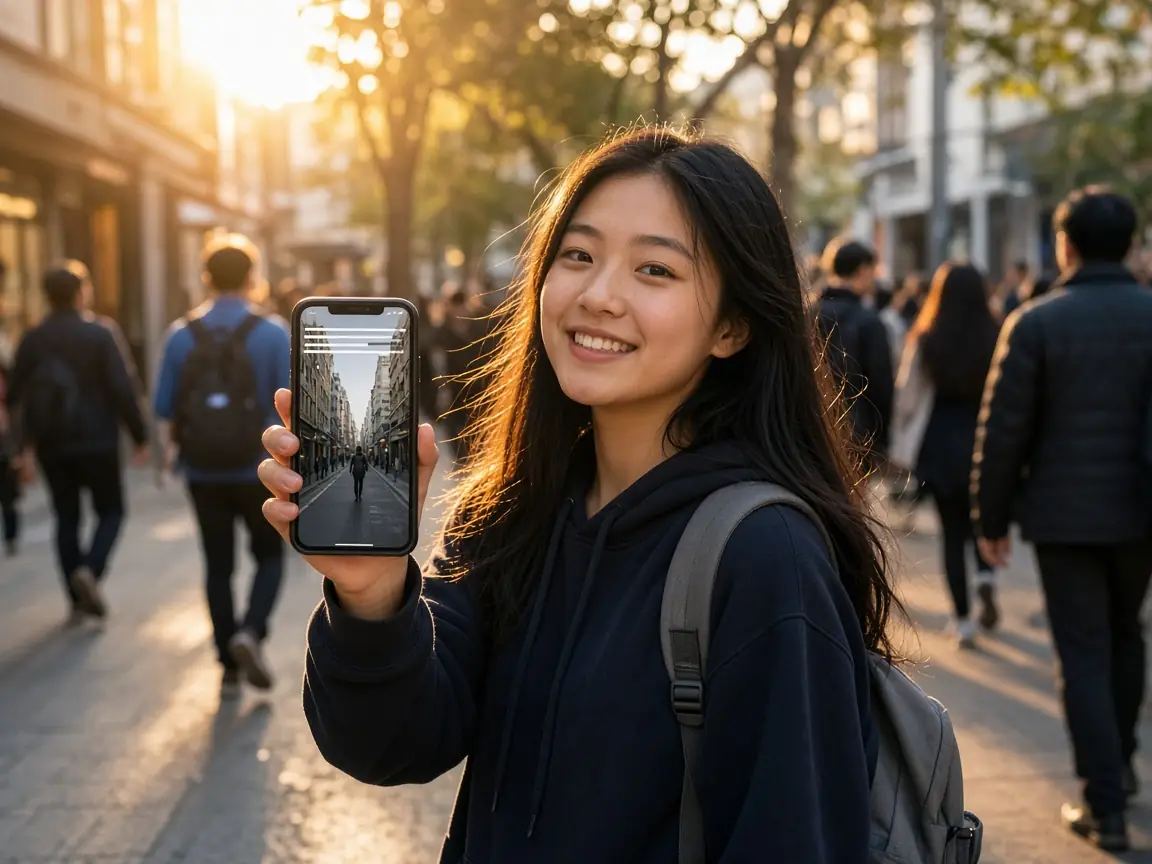
  • A smiling teenager on a busy sidewalk at sunset holds up a phone showing a full-screen story clip

    Stories

    Public story links, only while Instagram still serves them.

    Learn more →
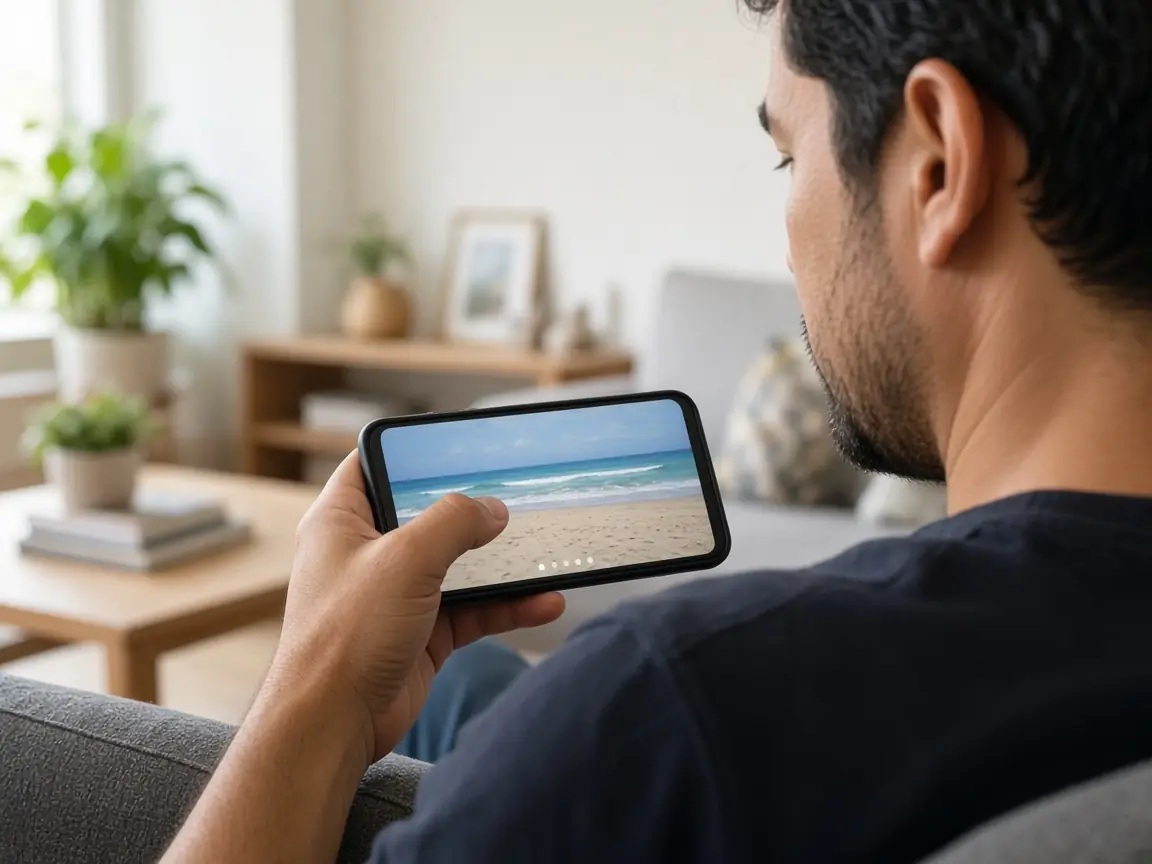
  • A man on a sofa swipes through a multi-slide beach post on his phone

    Carousels

    Each slide is listed with its own save button.

    Learn more →
  • A young man at a café opens story highlight circles on his phone

    Highlights

    A highlight item is a story. Paste that item’s link.

    Learn more →
  • A person on a train watches a long vertical video on a phone

    IGTV

    Long videos that used to be called IGTV are ordinary MP4s. Paste the post link.

    Learn more →
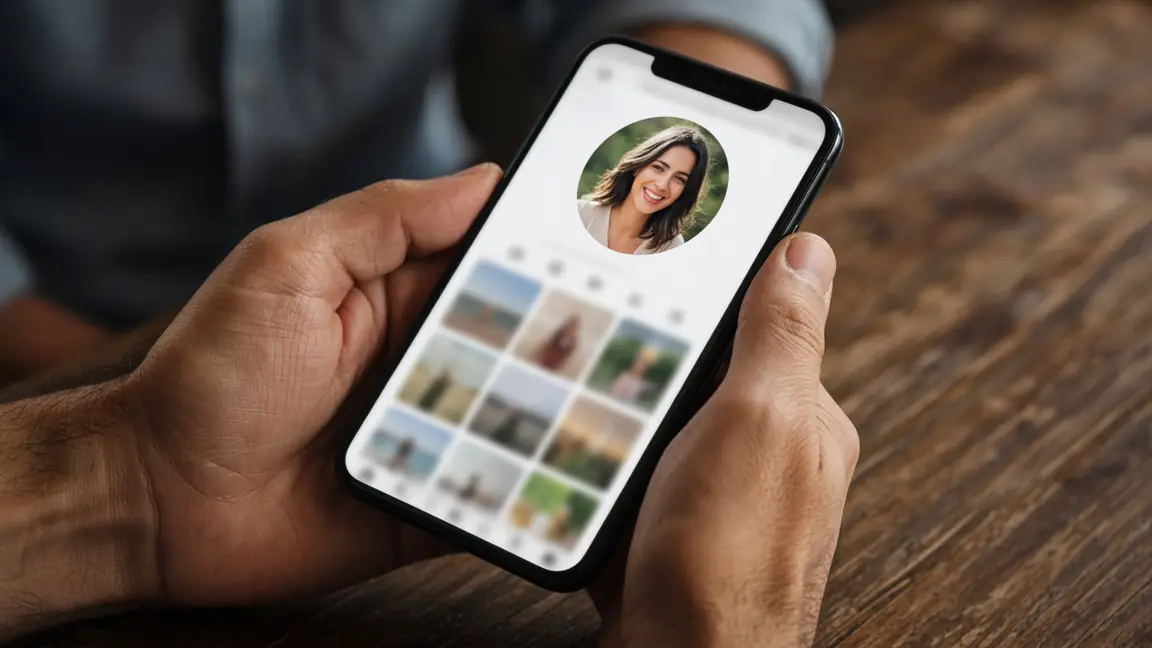
  • Hands holding a phone on a profile screen with a large round photo

    Profile photo

    A username is not a file. Paste the public post that contains the picture.

    Learn more →
  • A woman with earphones smiles at a Reel on her phone

    Audio

    The soundtrack stays inside the MP4. There is no separate MP3.

    Learn more →
  • A teenager on outdoor steps holds a phone showing a full-screen story

    Story viewer

    Preview a public story link in the browser, then save it if you want the file.

    Learn more →
  • No account
  • No watermark
  • No app
  • 33 languages

Why Choose SnapInstaDL?

  • Simple link-based downloading

    Copy a public link, paste it, and save the file. There is no account to create.

    Learn more →
  • Available original quality

    You get the file Instagram published for that post. We do not upscale it or invent a higher resolution.

    Learn more →
  • Mobile and desktop support

    The same page works in a phone browser and on a computer. No app install.

    Learn more →
  • No Instagram password required

    We never ask you to log in to Instagram. Private posts stay private.

    Learn more →
  • Browser-based access

    Open the site, paste a link, and use the browser’s own download.

    Learn more →
  • Clear previews and download choices

    Photos, videos, and carousel slides are listed separately, with a cover save when a cover is actually returned.

    Learn more →

How to Download Instagram Videos

  1. Hands holding a phone with the share menu open under a vertical video, ready to copy the link

    Copy the Instagram Link

    In the app, open the post and use Share, then Copy link. On a computer, copy the address bar.

    Learn more →
  2. A woman at her desk taps the link box on a downloader page on her laptop while holding her phone

    Paste Your Link

    Paste it in the box above. A link buried in a caption is extracted. Extra tracking parameters are dropped.

    Learn more →
  3. A man on a park bench smiles at a finished download on his phone

    Preview and Download

    Check the type and the size Instagram published, then press Save. Your browser stores the file.

    Learn more →

On a phone

Open Instagram, tap Share, then Copy link. Return here and tap Paste, or paste manually if the browser blocks clipboard access.

Learn more →

On a computer

Open the post on instagram.com and copy the address. Paste it here and press Download.

Learn more →

What Can You Download with SnapInstaDL?

Each public format has its own page. A username by itself is not a file.

  • Videos

    Public feed videos, saved as the MP4 from the post link.

    Learn more →
  • Reels

    Short vertical videos, with the soundtrack kept inside the file.

    Learn more →
  • Photos

    The image file from a public post, not a screenshot.

    Learn more →
  • Stories

    Public story links, only while Instagram still serves them.

    Learn more →
  • Carousels

    Each slide is listed with its own save button.

    Learn more →
  • Highlights

    A highlight item is a story. Paste that item’s link.

    Learn more →
  • IGTV

    Long videos that used to be called IGTV are ordinary MP4s. Paste the post link.

    Learn more →
  • Profile photo

    A username is not a file. Paste the public post that contains the picture.

    Learn more →
  • Audio

    The soundtrack stays inside the MP4. There is no separate MP3.

    Learn more →
  • Story viewer

    Preview a public story link in the browser, then save it if you want the file.

    Learn more →

Available Formats and Download Quality

  • Videos and Reels are saved as the MP4 we are given, soundtrack included when the file has one.

    Learn more →
  • Photos are saved as the image type returned, usually JPEG.

    Learn more →
  • Carousel posts are one file per slide.

    Learn more →
  • We do not add a watermark, we do not make a separate MP3, and we do not offer fake 2K or 4K buttons.

    Learn more →
  • If a video is 720 pixels wide, that is the published file, not a quality we removed.

    Learn more →
FormatFileSoundAccount
VideoMP4Inside the file when publishedNo
ReelMP4Inside the file when publishedNo
PhotoJPEG, usuallyNoneNo
CarouselOne file per slideOn video slides onlyNo
Story or HighlightThe photo or MP4 servedInside a video storyNo
IGTV-style long videoMP4Inside the file when publishedNo

Download Instagram Content on Your Device

  • iPhone and iPad

    Use Safari or another browser. The file goes to Downloads or the Files app, depending on iOS.

    Learn more →
  • Android Phones and Tablets

    Use Chrome or another browser. The file goes to the Downloads folder.

    Learn more →
  • Windows and Mac

    Any current browser can save the file to its download folder.

    Learn more →

Having Trouble Downloading?

Private, deleted, and login-only posts fail on purpose. Story links die when the story expires. If a file link expires, paste the Instagram link again.

Download Not Working

Frequently Asked Questions

Cookies remember this choice.