
Which browser should you use on Android?
Chrome. The file lands in the Downloads folder.
Chrome writes the file to Downloads. Published 19 November 2026.
Paste one public Instagram link. Nothing is fetched until you press Download.
Public posts only. Save media you have the right to keep. SnapInstaDL is not affiliated with Instagram or Meta.
By the SnapInstaDL Team. Published 19 November 2026.
Android with Chrome or another current browser, and a public link. You do not need the Instagram app to be logged in inside the browser.
In the Instagram app, open the post, tap Share, then Copy link. Switch to Chrome.
Open snapinstadl.com. Paste. Press Download. The preview card shows the type and the size when it is known.
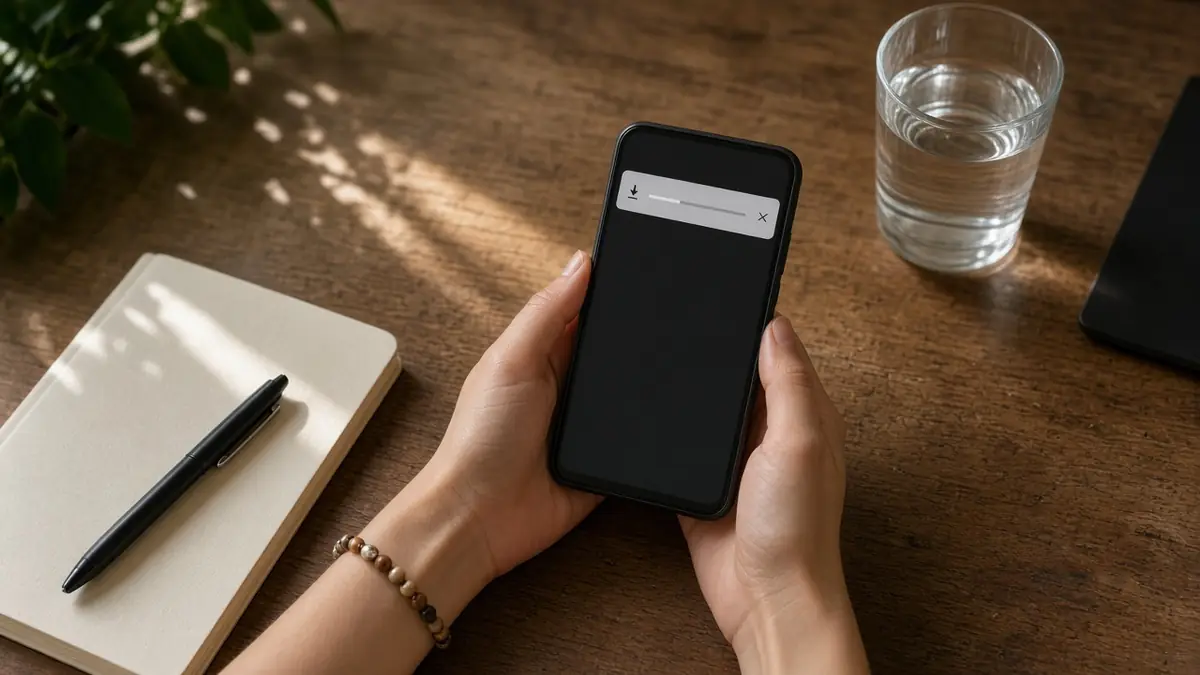
Press Download on the card. Chrome shows its own download notification as well as the progress on the page. The file lands in the Downloads folder. Open it from the notification or from the Files app.
A photo can be opened in Gallery if you move it. A video plays in the player you already use. The soundtrack stays inside the MP4 when the Reel had sound.
Some skins hide Downloads behind a menu. Search for snapinstadl_. If the lookup said the post was missing or private, there is no file to find.
Open the Instagram app and the exact Reel or post. Tap Share, then Copy link. If the sheet shows apps but not Copy link, scroll the sheet sideways. Switch to Chrome with the app switcher, not with the back button, so the clipboard survives. Open snapinstadl.com. Chrome often offers the copied link in the field.
Press Download and wait for the card. On a metered connection the preview image can arrive after the buttons. The buttons are still valid.
Press Download on the card. Chrome’s notification appears beside the on-page progress. Both describe the same file. When the notification finishes, tap it. The video opens in the player you have set as default. The file itself is in Internal storage, Download, unless your manufacturer renamed that folder. Some skins call it Downloads with an
s. Search for snapinstadl if the folder is crowded. You can move the file into a Gallery album. Moving it does not change the pixels.
If Chrome says the download was blocked, open site settings for snapinstadl.com and allow downloads, then paste the link again. Battery savers that freeze Chrome will stop a long video halfway. Keep the screen on until Download complete appears. A private post will not start a file at all. You will see the not-found or
private message instead of a zero-byte download.
Do this on Android with Chrome and one public post. Open Instagram, open the post, tap Share, and tap Copy link. If Copy link is off the edge of the sheet, scroll the row of icons. Switch to Chrome with the recent-apps button so the clipboard is kept. Open snapinstadl.com. Paste. Press Download. Wait for
the card even if the thumbnail is slow on a metered network. Press Download on the card. Chrome’s notification and the bar on the page are the same transfer. When both finish, tap the notification. The player opens. The file is in Internal storage under Download or Downloads, depending on the manufacturer. Search snapinstadl if
the folder is full of other files. You can move it into a Gallery album afterward. The pixels do not change when you move it. A photo post saves as an image. A Reel saves as an MP4 with the soundtrack inside it. There is no MP3. If Chrome blocked the file, open site settings
for this site, allow downloads, and paste the link again. Battery savers that sleep Chrome will cut a long video. Keep the screen on until you see Download complete. A private or deleted post does not create a zero-byte file. You get the not-found or private message and you stop. Do not stack many tabs.
The rate limit is there so the fetch provider stays available. Carousels can be saved one slide at a time or as a ZIP when the set is small. Open the ZIP before you go offline and count the slides. Find more on the carousel guide and the organizing guide linked from the blog. If
a public post fails while you are logged out of Instagram in Chrome, mail soodadon8@gmail.com with the time and the page, not your password.
Practice with three kinds of public links you are allowed to keep: a Reel, a single photo, and a carousel. The Reel should play with sound from the notification. The photo should open full screen without the Instagram chrome around it. The carousel should produce one card per slide. Save two slides and compare the
numbers in the names. Then look at Chrome’s download list from the menu, not only the notification, because a notification can be swiped away while the file remains. If a manufacturer’s file app hides Download, use its search. Pin the folder if you will do this often. Do not grant a random cleaner app permission
to delete Downloads overnight. Those apps remove snapinstadl_ files along with everything else, and we cannot restore them. When a lookup says the post is private, open Instagram in Chrome’s guest mode. If the post asks for a login there too, the file is not public. Stop. When a lookup times out, toggle airplane mode
off and on only if the rest of the phone has also lost data. Otherwise wait ten seconds and paste once. The on-page retry already covered the first busy response. A second manual try is the limit that still respects the rate limit. After the files are in Download, move the ones you care about
into a folder named for the month. Leave the id in the name. The organizing guide describes the two-folder method if the batch is for someone else.
Finish with a naming and backup habit on the phone itself. After three good saves, create a folder in the Files app called Keep and move only the files you will still want next month. Leave Download as the inbox. In Keep, do not let a gallery “free up space” feature remove them. Those cleaners
treat every MP4 as disposable. Confirm a Reel still has sound after the move, because a move can fail halfway on a full disk and leave a tiny stub. If the stub will not play, delete it and save from the link again while the post is public. Note the id in your keyboard clipboard
history only if that history is private to you. Do not paste the file into a chat as your only copy. Chats compress video. The file in Keep is the one with the size the progress bar showed. When that size and the file manager’s size disagree by more than a rounding error, trust the
file manager and save again. Mail soodadon8@gmail.com if every public post fails in Chrome but a second browser on the same phone succeeds. Say both browser names. That points at a browser setting, which you can fix, not at a missing video.
Chrome. The file lands in the Downloads folder.
Yes, when the published Reel had a soundtrack. There is no separate MP3.
Search for snapinstadl_. A private post never creates a file.
Cookies remember this choice.