
Do you need an app on iPhone?
No. Safari saves the file. There is no SnapInstaDL app to install.
Safari can save the file. You do not install a second app. Published 19 November 2026.
Paste one public Instagram link. Nothing is fetched until you press Download.
Public posts only. Save media you have the right to keep. SnapInstaDL is not affiliated with Instagram or Meta.
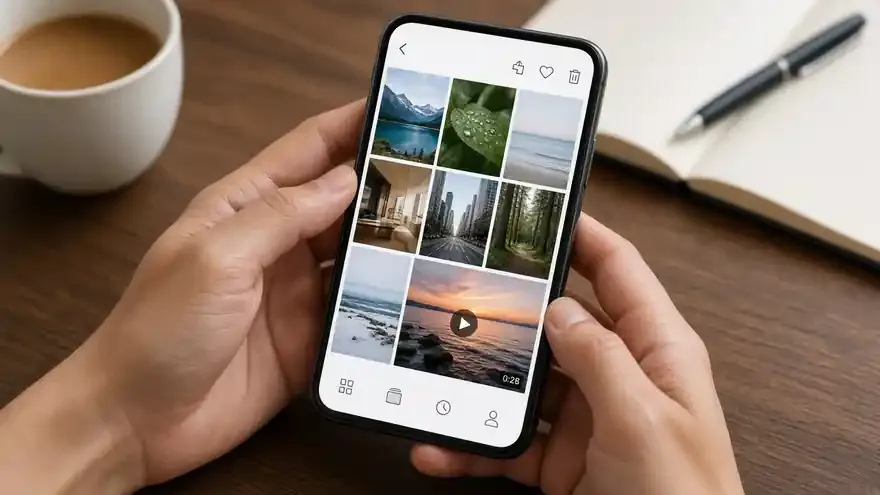
By the SnapInstaDL Team. Published 19 November 2026.
An iPhone or iPad with a current browser, and a public Instagram link. The photos in this guide show a phone in ordinary light, not a diagram. The steps are the same on iPad.
Open the post or Reel. Tap the paper-plane share icon. Tap Copy link. If you only see the username, go back to the post. A profile page is not a media file.

Safari is the simplest choice because the system share sheet can hand the file to Files. Chrome on iOS uses the same WebKit download behavior. Paste into the box on the home page and press Download.
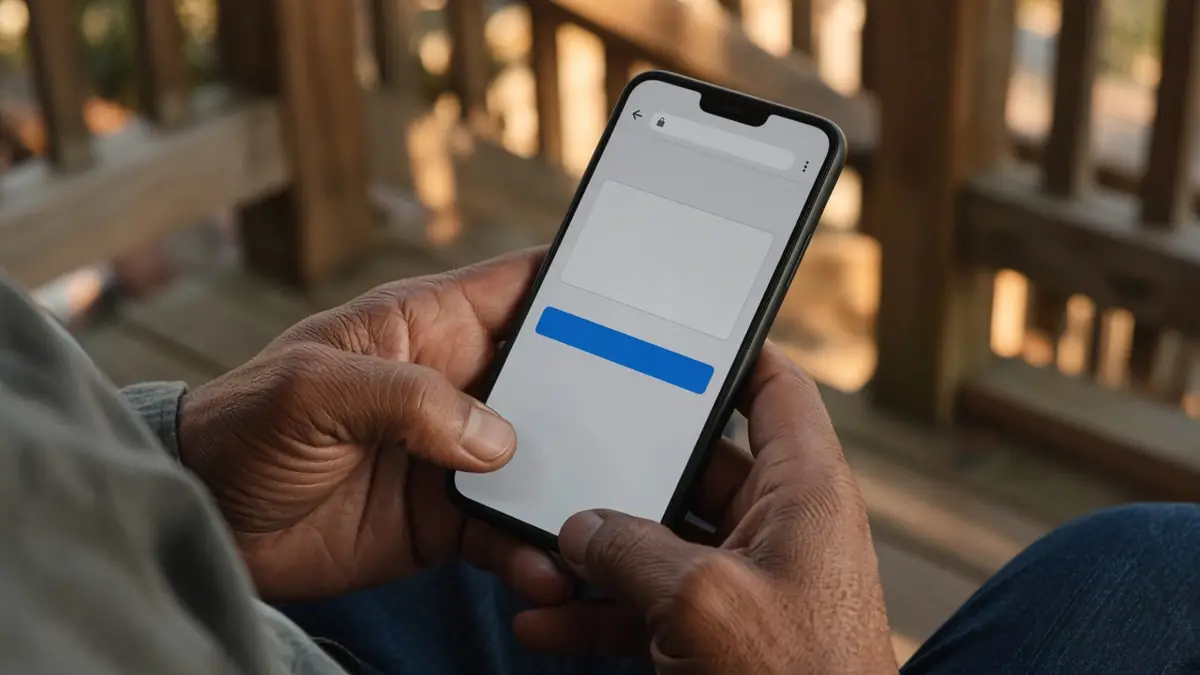
Wait for the thumbnail. Press Download on the card, not only the first button, which starts the lookup. Watch the progress line. At the end, iOS asks where to put the file or drops it in Downloads inside the Files app, depending on the version.
Open Files, then Browse, then Downloads, or the folder you picked. The name starts with snapinstadl_. Videos play in the Files player or in Photos if you save a copy there. We do not push the file into Photos automatically.
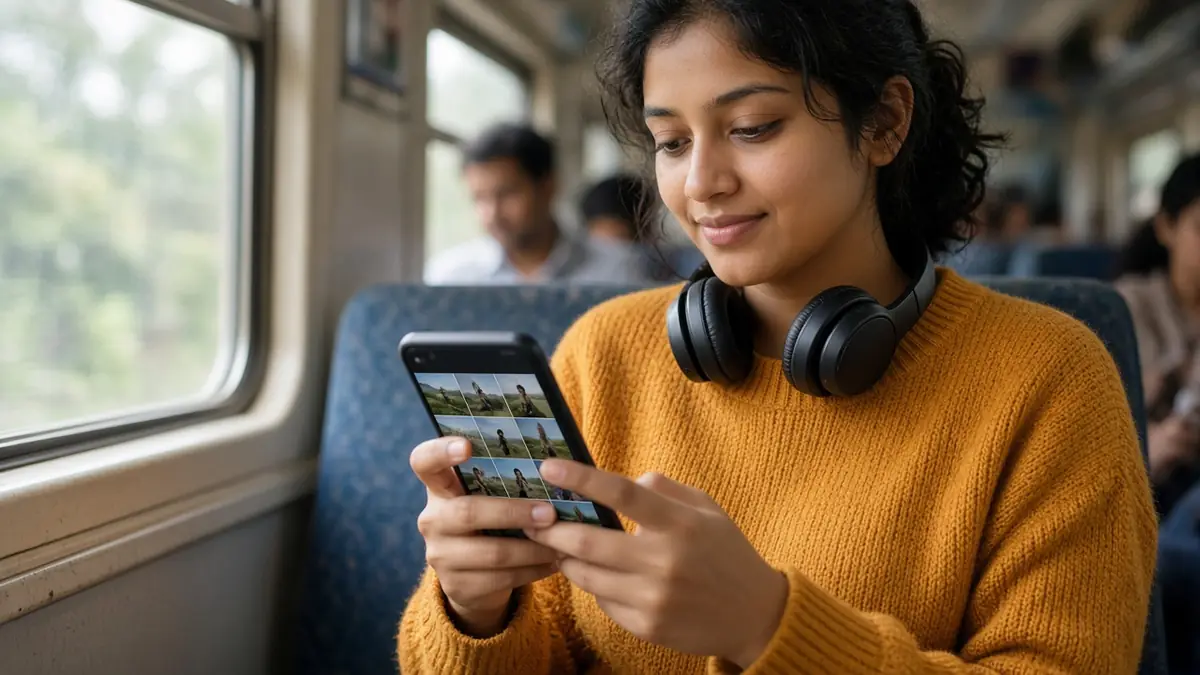
A story link works only while Instagram still serves it. Each carousel slide has its own button. A small set can be packed as a ZIP. iOS will unzip it in Files if you tap the archive.
If nothing happens, check that downloads are allowed for the site, then paste the link again. Do not reuse an old file URL. Private posts will not become available by retrying.
Reels with audio and quality.
Unlock the phone and open Instagram. Find the Reel or the post, not the profile grid. Tap the share icon, the paper plane, and wait until Copy link is on screen. Tap it once. You should see a small confirmation. Leave Instagram. Open Safari. Type snapinstadl.com if it is not already a tab. Tap the
field, which stays left to right even if the rest of a translated page is right to left. Paste. The Paste button works when Safari is allowed to read the clipboard. Press Download and leave the tab in the foreground until the thumbnail arrives. Backgrounding Safari on a weak connection is a common reason the
lookup appears to hang.
When the card is visible, press the Download button on the card. The page counts bytes. Safari then asks for a destination or files the result under Downloads. If you have iCloud Drive enabled, Downloads may live in iCloud, which is still your storage, not ours. Open the Files app, Browse, and Downloads. Tap the
file and play it with the speaker on. If the Reel had music, you should hear it. If a share sheet offers Save Video, that is iOS copying the file into Photos. That copy is optional. The original download remains in Files until you delete it.
An iPad uses the same page. Split View can show Instagram and Safari together, which makes the copy and paste easier. Older iOS versions hide the download in a folder named Downloads on the device rather than in iCloud. If you cannot find it, use the search field in Files and type snapinstadl. Do not
install a random “downloader” app from an ad. This site does not have an app, and a third-party app that asks for your Instagram password is not us.
Do this on an iPhone with Safari and one public Reel. Open Instagram and the Reel. Tap the paper plane. Tap Copy link. You should see a confirmation. If you do not, you copied the account name by mistake and the downloader will not find a file. Switch to Safari with the app switcher. Open
snapinstadl.com. Tap the field and paste. The field stays left to right. Press Download. Stay on the tab. A weak signal plus a locked screen is the usual reason a lookup seems to die. When the card shows the Reel, press Download on the card. Read the size when it appears. iOS then offers Files
or drops the movie into Downloads. Open the Files app, tap Browse, and open Downloads. If you use iCloud Drive, that folder may be in iCloud. It is still your storage. Tap the file and play it with the side button volume up and with Focus modes not silencing media. You should hear the Reel.
Saving into Photos is a second, optional step from the share sheet. The downloader does not do that for you. An iPad is the same page. Split View lets you keep Instagram and Safari visible together, which makes the copy more reliable. Older iOS versions put downloads in On My iPhone rather than iCloud. Search
for snapinstadl if you cannot see the folder. Do not install an app that claims to be SnapInstaDL. There is no app. Any app that asks for the Instagram password is not this site. Stories work only while they are public and still online. Carousel slides are separate files. A ZIP opens in Files when
you tap it. If Safari says the download was not permitted, allow downloads for the site and paste the link again. A private Reel produces a clear message and no file. Write to soodadon8@gmail.com only when a public Reel fails and you can say the time of day. Never include a password.
Repeat the save once with a photo post so you know where still images land, which is the same Downloads folder as video. Then try a carousel you made, and save two slides separately so you can see the trailing numbers. If Files shows an iCloud upload arrow, wait for it before you delete the
local copy. Low Power Mode can delay that upload. None of this requires an Instagram login in Safari. If a login wall appears on instagram.com itself, you are on Instagram’s site, not on SnapInstaDL. Come back to the home page and paste the link you already copied. The progress bar should move within a few
seconds on a normal connection. If it sits at zero and then reports a timeout, that is the transient case, and one retry is enough. If it reports private or missing, look at the account in the app while logged out, or ask a friend who does not follow the account whether they can see
the post. If they cannot, the downloader cannot either. Keep the phone unlocked until Download complete. A lock screen during a long Reel is the most common reason an iPhone file ends up short. When the file is complete, note the id in a reminder if the Reel is client work. The reminder plus the
file is your record. The website will not email you a receipt.
No. Safari saves the file. There is no SnapInstaDL app to install.
In the Files app, under Browse, then Downloads. It can also sit in iCloud Drive.
No. Private and close-friends stories are refused, and the page does not retry them.
Cookies remember this choice.