
How do you download an Instagram video?
Copy the public link, paste it on the home page, and press Download on the card.
The whole task is a public link and a browser. Published 19 November 2026 by the SnapInstaDL Team.
Paste one public Instagram link. Nothing is fetched until you press Download.
Public posts only. Save media you have the right to keep. SnapInstaDL is not affiliated with Instagram or Meta.
By the SnapInstaDL Team. Published 19 November 2026.
You need a public post, Reel, carousel, or story URL. A username is not enough. A private account will not resolve. You do not need an Instagram password, and you should not type one into this site. Use the device guide if you want screens that match your phone: iPhone, Android, or computer.
Open Instagram in the app or the browser. On a post or Reel, use the share sheet and choose Copy link. The link looks like instagram.com/p/…, instagram.com/reel/…, or a story URL. Leave tracking text such as igsh on it if you want. The downloader removes it.
Open snapinstadl.com. The box is on the home page. Paste the link. You can use the Paste button where the browser allows clipboard access. Press Download. Nothing is fetched until you do that.
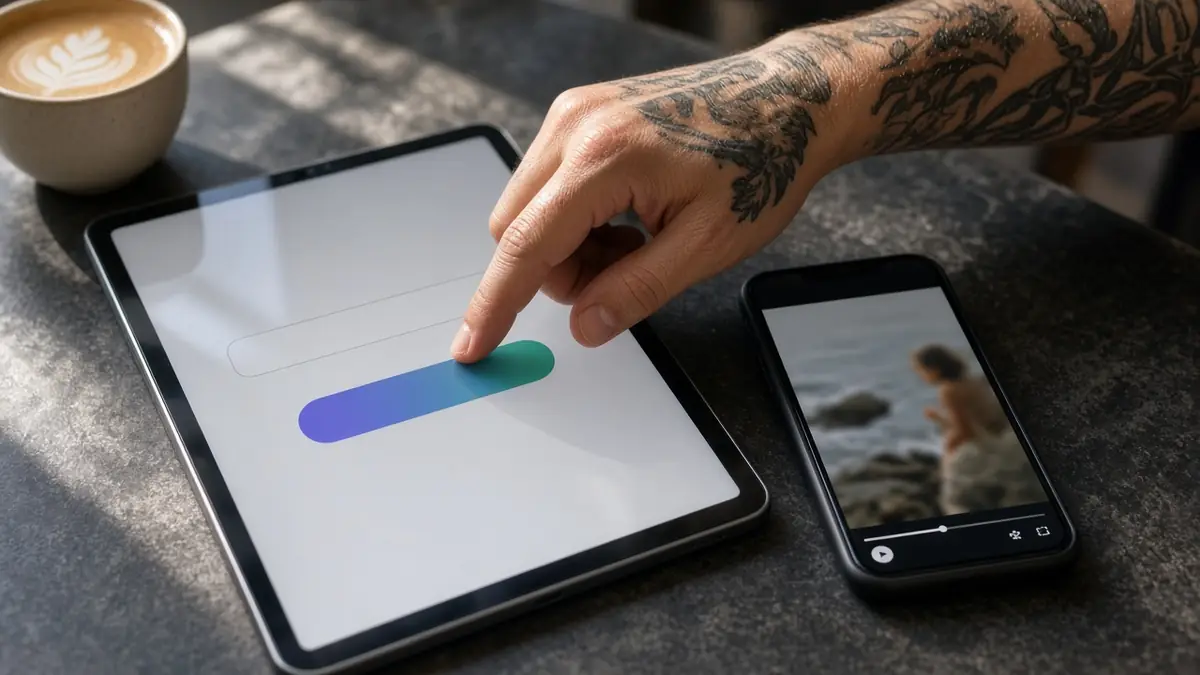
A public post returns one or more cards. Each card shows a thumbnail, whether it is a video or a photo, the format, and the pixel size when the provider sent one. A carousel lists every slide. A Reel with a soundtrack stays an MP4. We do not offer a separate MP3.
Press Download on the card. The page shows the file size as soon as it is known, then a progress bar, the amount copied, the speed, and the time left. When it finishes you see Download complete and a note that the file went to your Downloads folder. If the file is too large to
track in the page, the browser’s own download starts instead.

A missing or private post stops immediately with a clear message. It is not a temporary error, so the page does not keep retrying. Deleted media, expired stories, and close-friends stories fail the same way. Read why downloads fail.
The name starts with snapinstadl_ and includes the post or story id. The site does not keep a library for you. Organize the files in your own folders. See where files are saved.
Save what you made or what you have permission to keep. A public link is not a license. The copyright page explains notices.
Start with the post open in front of you. If you are on a phone, copy the link before you switch apps, because some phones clear the clipboard when too many apps sit in memory. On a computer, copy from the address bar after the post has finished loading. The address should contain instagram.com and
a short code. Paste that whole address. You do not need to delete igsh or other tracking text. The server drops it when it builds the cache key, so two links that differ only by tracking text count as one post. Press Download once. A second press while the first lookup is running only adds
load. If the network is slow you will see a retry line, and that retry is only for a timeout, a rate limit, or a busy provider. A private or missing post returns immediately.
A video card is an MP4. A photo card is the image file. A carousel is a row of cards, one per slide, in the order Instagram shows them. The badge is the type. The pixel line is the width and height when the provider sent them. The size line stays as a placeholder until
the download starts, and then it shows the real byte size from the response. When the bar reaches the end you get a completion line and the file is in the browser’s download folder. Play it before you delete the post on your phone, so you know the copy is the one you wanted.
The second save is the same three moves: copy, paste, save. People lose files because they look for them inside SnapInstaDL. There is no library. The name starts with snapinstadl_ and then the id. Put the files in a folder you control. If you are saving your own work for a client, keep the id
in the name so you can match the file to the live post later. If the post is later deleted, the file on your disk is the only copy we will not be able to fetch again.
Sit down with one public post and do the whole save without switching tasks. Open the post until the picture is on screen. Use the share control and copy the link. If the share control only offers apps, look for the word link. Paste into the box on the SnapInstaDL home page. The box accepts
a Reel, a photo post, a carousel, and a story link. Press Download and wait. The first button starts the lookup. It does not save the file by itself. When the card appears, look at the thumbnail and decide if it is the post you meant. Press Download on the card. Leave the tab open.
The size replaces the placeholder as soon as the response says how big the file is. The bar moves as bytes arrive. Speed and time remaining are estimates from that transfer, not a promise. At the end the page says the download is complete and that the browser put the file in its download folder.
Open that folder before you close the tab. Play the file. If it is a Reel, listen. If it is a photo, open it full size. If it is a carousel, count the slides against the app. Only then delete anything, and only on your device. The website does not store a second copy you
can return for next week. A successful lookup can sit in a short cache so a double click is cheap. That cache is not your archive. If the message says the post was not found or is private, stop. Check the link, the privacy of the account, and whether a story has expired. Retrying that
message will not help. If the message says the service is busy or the lookup timed out, paste the same link again after a short wait. Keep the file name. It starts with snapinstadl_ and contains the id. When you later need to know which post a file came from, that id is the answer.
Put the file in a folder you back up. Do not send your Instagram password to anyone, including us. Write to soodadon8@gmail.com if a public post fails in a way the message does not explain. Guides for phones and computers are linked from the home page if a step on your device differs.
One last check belongs in every save. After the completion line, open the file from the browser’s own download list, not from a guess about the folder. Confirm the size is the size the page showed. Confirm the picture matches the thumbnail. Then move the file. That habit prevents the empty-folder panic that makes people
think the site lost their video. It did not. The browser finished, and the file is waiting under the snapinstadl_ name.
Copy the public link, paste it on the home page, and press Download on the card.
No. Never type a password here. A public link is the only input.
The browser saves it in Downloads. The name starts with snapinstadl_.
Cookies remember this choice.